Farcaster
Posted.art runs as a Mini App inside Farcaster, using the web app interface. This is separate from the standalone Posted.art iOS and Android apps. Native Posted.art subscriptions, Settings and scheduling do not apply just because Farcaster is installed on your phone.
Follow your connected wallet network
For current purchase prices, see the FAQ pricing section and review the amount in your active checkout.
The active wallet network determines which features are available. Opening Farcaster alone does not establish a supported EVM connection.
| Active connection | Available wallet features |
|---|---|
| Supported EVM network: Ethereum, Base, BNB Chain or Arbitrum | Personal Postcards, Art Certificates and Create & Earn. Postcard and Art Certificate wallet payments use ETH, or BNB on BNB Chain. |
| Solana | Personal Postcards paid in SOL. Create & Earn, Card's NFT purchase control and Account's Art Certificate section are hidden. |
For EVM connections, follow web wallet connection, Account, Art Certificate purchasing and Create & Earn as relevant. For a Solana connection, use the Solana guide. Do not use Telegram login or Stars-payment instructions for a Solana wallet.
Farcaster's official documentation describes both Ethereum wallet access and Solana wallet access. The wallet options available in a particular host can differ; check the connection actually offered rather than assuming every Farcaster session is EVM-only.
Browse, write and share
Use the same Home/search, Card, Write and Share instructions and shared screenshots as the other clients when the controls match.
Creating a personal Postcard is separate from purchasing an optional Art Certificate. After successful Postcard creation, use the link, QR code or Share control to pass the finished experience to a recipient.
Connection or signing problems
Posted.art's web wallet flow uses Reown AppKit / WalletConnect. Wallet requests depend on the wallet, connection integration and host. See connection and signing support if a request stalls or fails. Identify the wallet, active network and step that failed when asking for help.
Screenshots to reuse
For a matching supported EVM state, use the EVM Card, EVM Account, paid Postcard checkout and paid result with receipt. Identify Base or ETH as the example where relevant rather than promising the same price or network for every user.
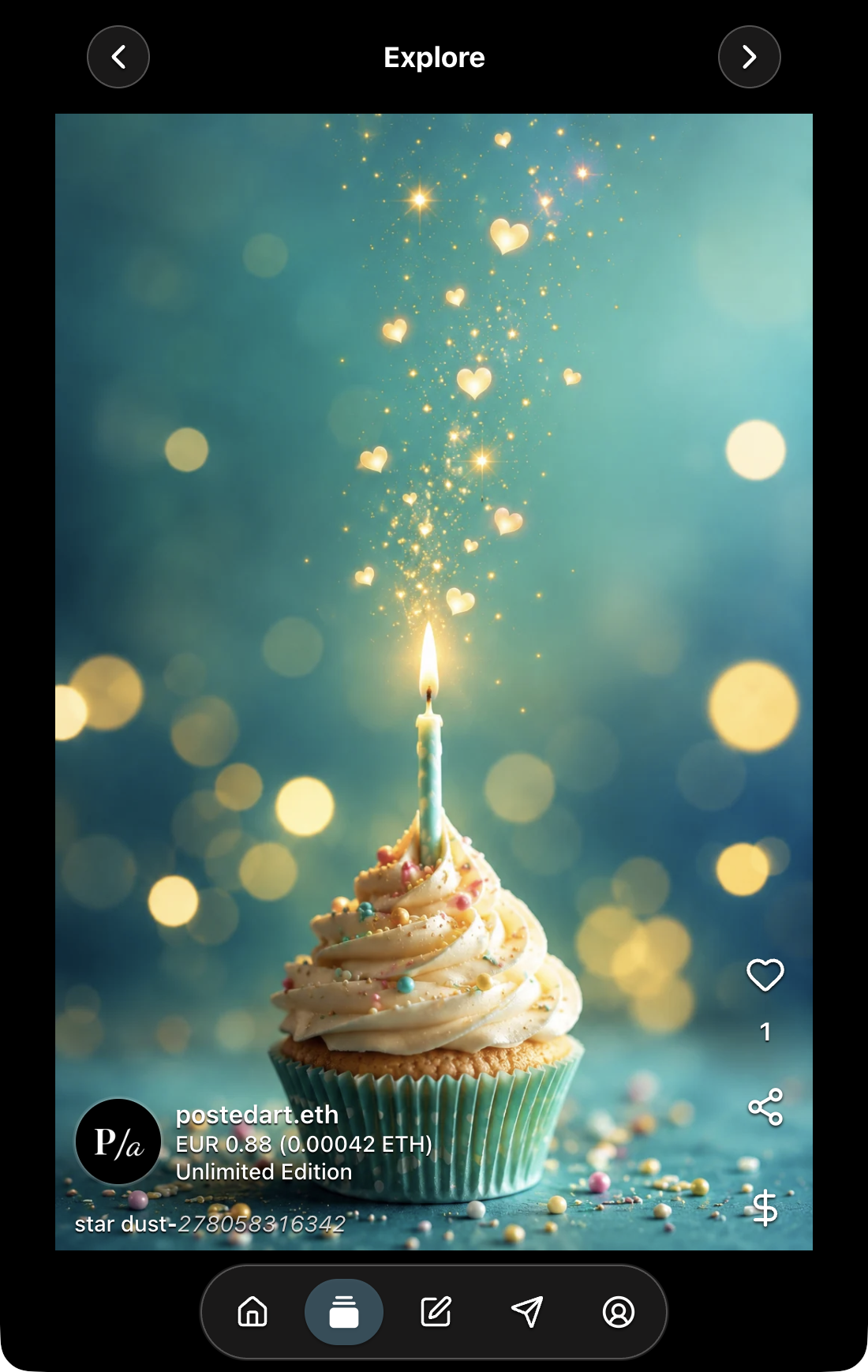
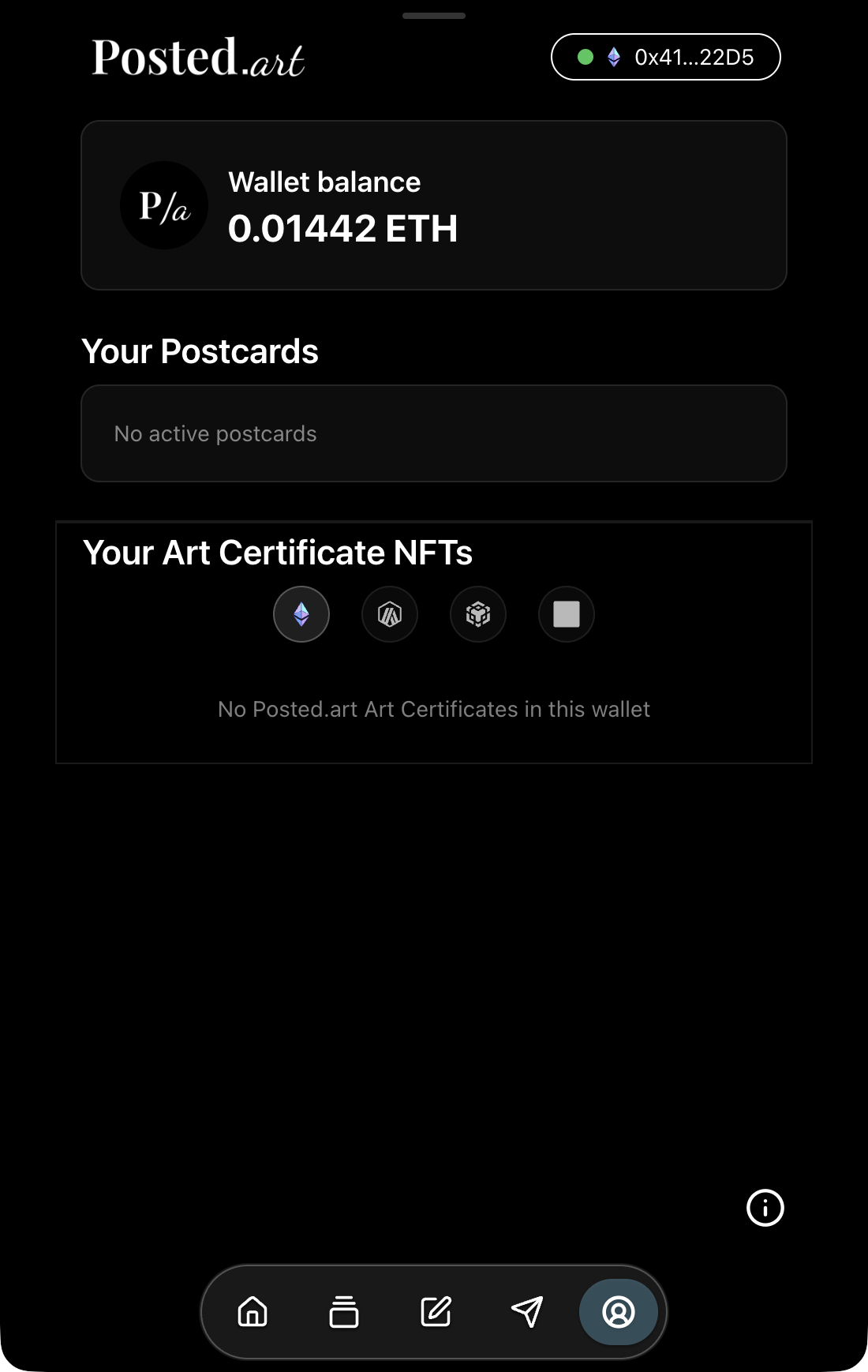
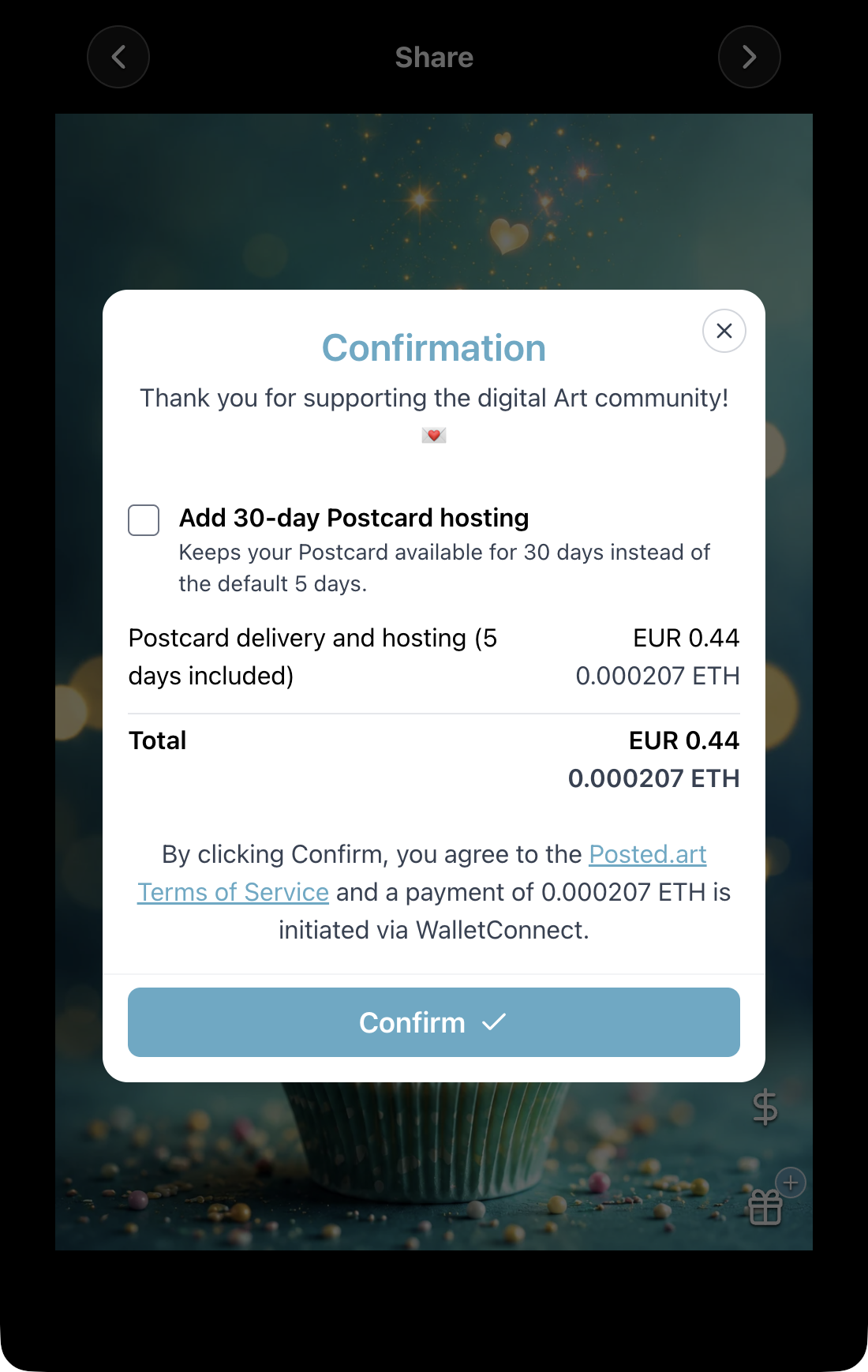
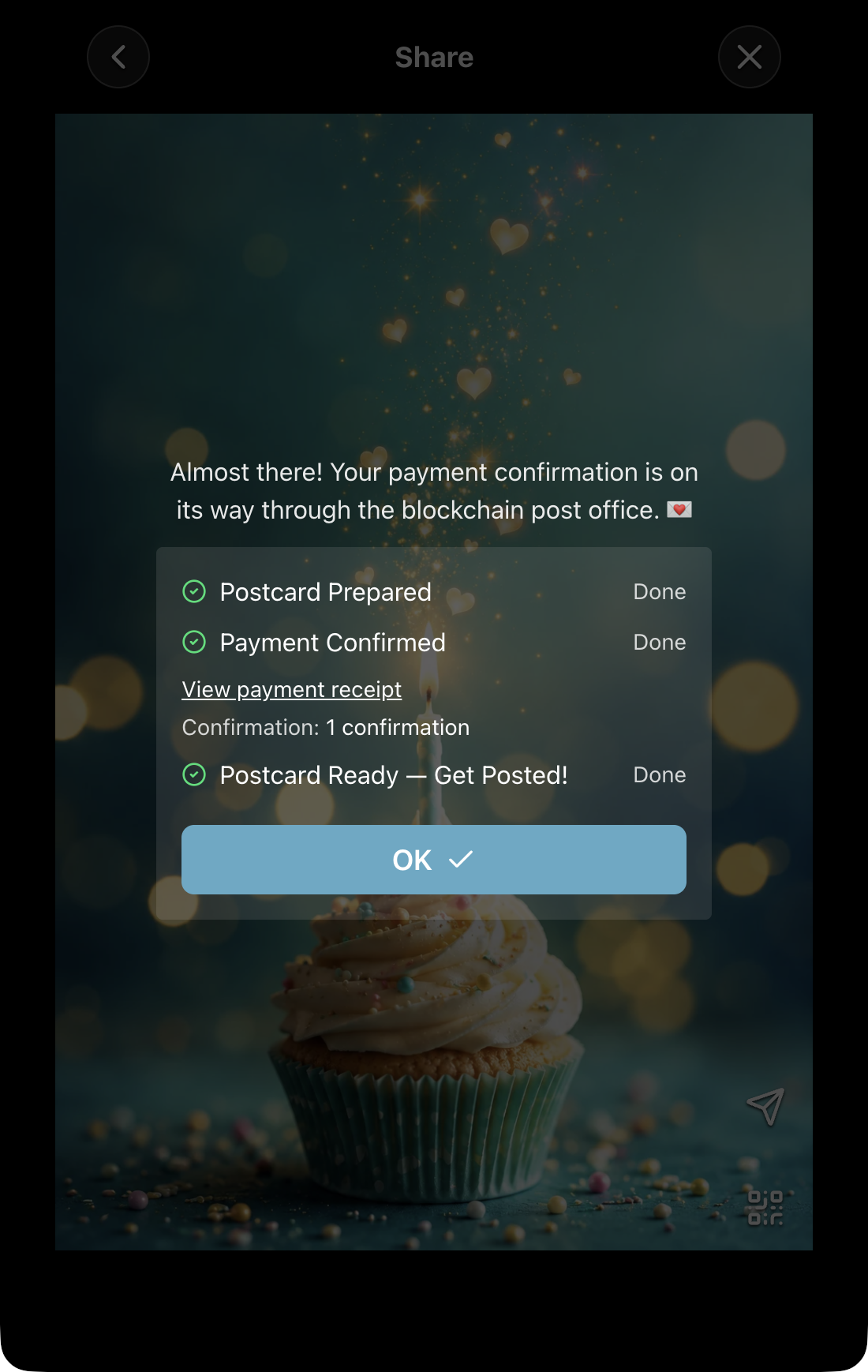
Wallet approval screens can differ inside Farcaster. Do not present a MetaMask desktop-extension popup as Farcaster's actual approval screen. If no matching capture is available, explain the wallet step in text.
For Solana, reuse matching shared browsing, editing and finished-Postcard images. A connected Solana Account or SOL checkout screenshot is not available; do not substitute an EVM NFT collection, ETH price or Telegram Stars screen.
See screenshot guidance for the complete client/state mapping.